
Up to 50 copies of each video
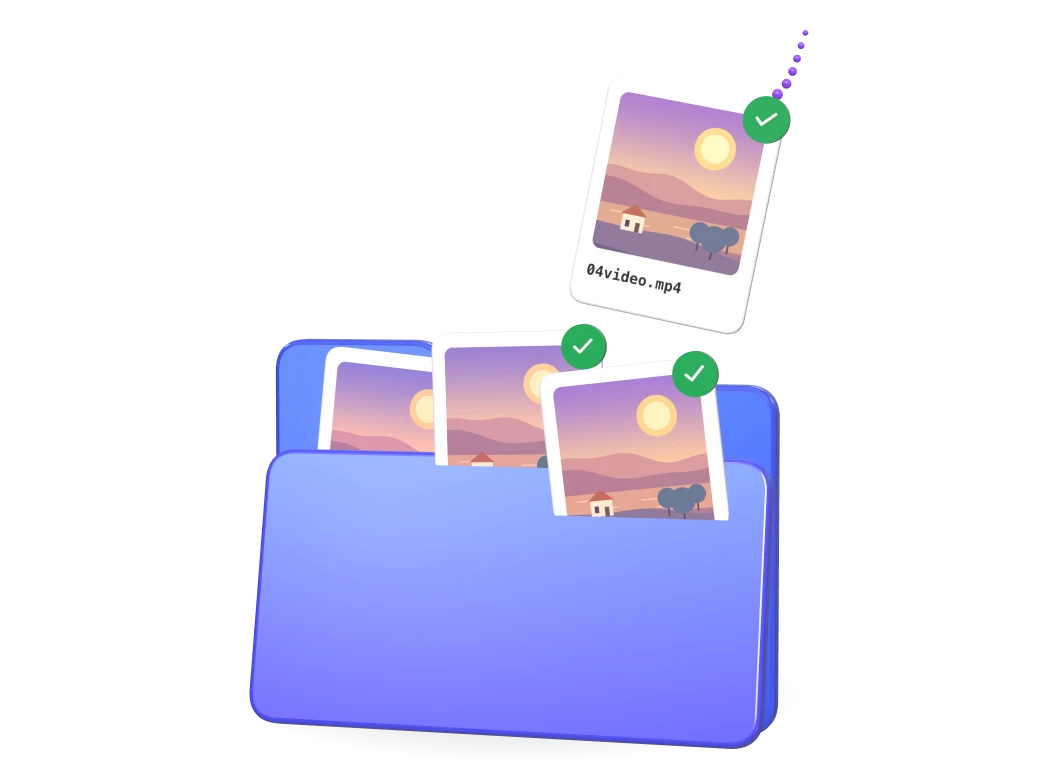
Drop several videos at once and set the number of copies. Every copy is exported as its own file.
Four tools in one browser tab: Unique copies, Edit, Video Combinations and UGC Creator, plus photo slideshows. Everything but auto captions is in the Free plan, and your videos are processed on your computer.
Load one video or a whole batch, choose how many copies you want of each and export. Every copy is a new file with its own fingerprint, and it looks and sounds the same to your viewers.
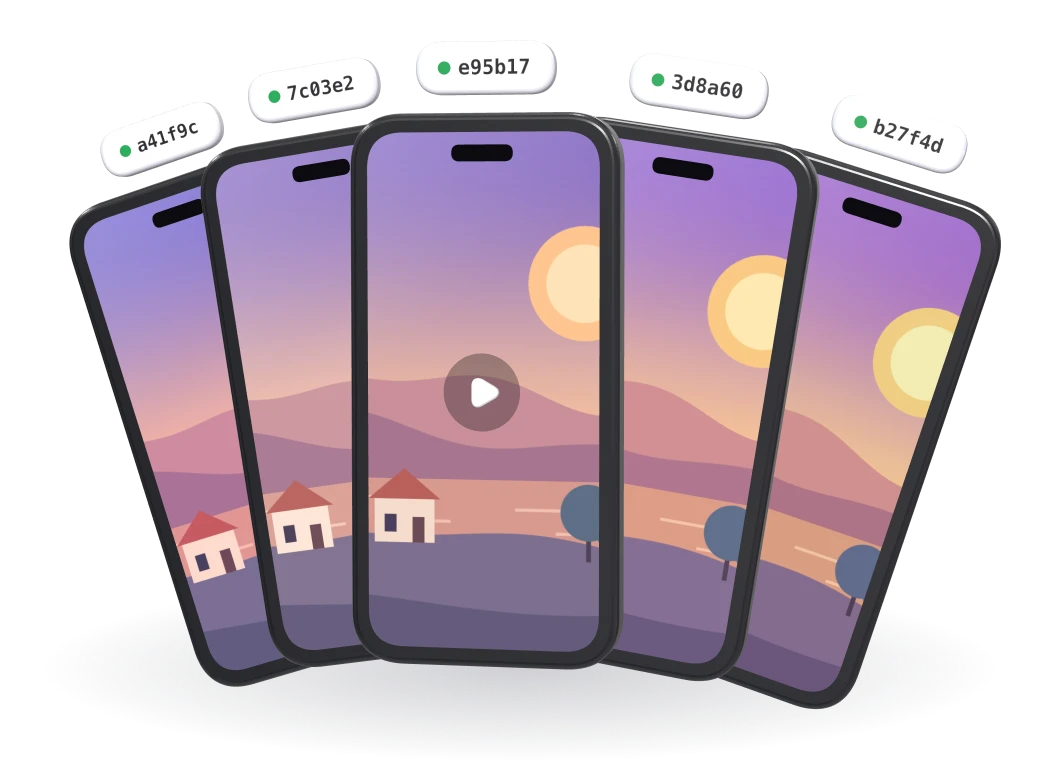
Drop several videos at once and set the number of copies. Every copy is exported as its own file.
Each frame moves one value by 0.5–1%, in turn. Nobody sees it, but no two copies have the same pixels.
A phone look copies a real phone’s color, sharpening, lens and sensor noise, and writes its file details. You see it in the preview.

Tiny, inaudible changes to the sound, different in every copy.

New device details in every file, or the ones from the phone you picked.

A subtle color grade and one of the 85 effects at a strength you choose (5% by default), different in every copy.
The standard fingerprint suits most reposts. Open Fine-tune to switch any technique on or off and set how strong it is.
 Picture
Per-frame variation
Pixels
Edges & borders
Frequency & camera
Timing & compression
SoundPhone lookWhat to copy from the phone
Variation & file
Phones
Every video keeps its own edit. Tick the ones you want and export them together, or copy one edit to all of them with Apply to all videos.
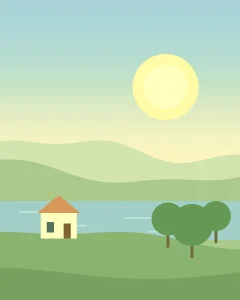
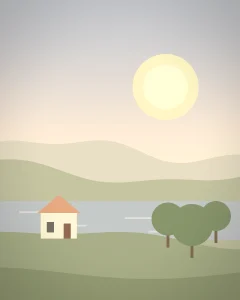

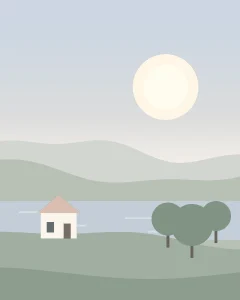
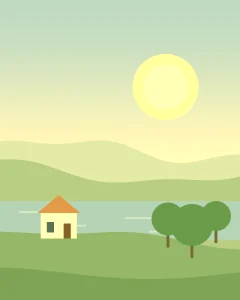

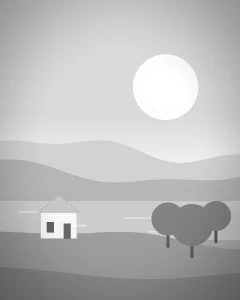

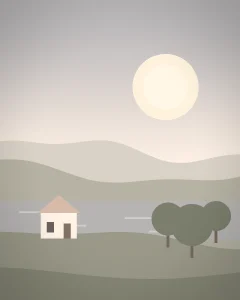
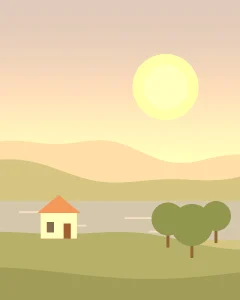
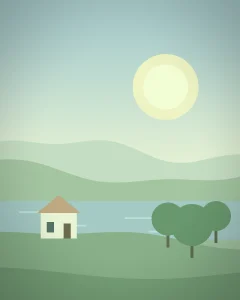
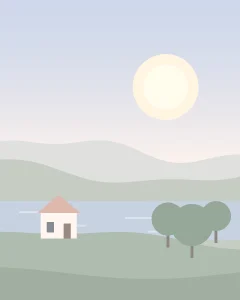

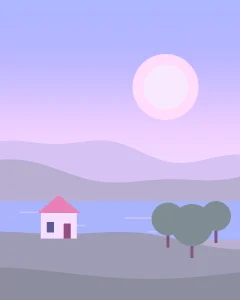
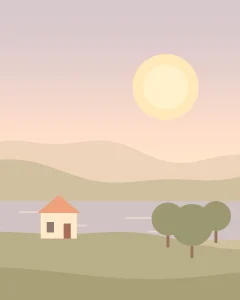
15 one-tap looks. A look only moves the sliders, so you can adjust it.
Word-by-word animated captions written from the speech, in 29 languages. Pick one of 7 styles, fix any word, export. Only the sound is sent to be turned into text, and it isn’t kept. 500 minutes a month with Pro, and 500 more caption minutes for $12 whenever you need them.
Bold · One word · Karaoke · Pill · Neon · Clean · Subtitles

19 sliders, plus the looks to start from.
Brightness · Contrast · Saturation · Gamma · Hue · Exposure · Highlights · Shadows · Whites · Blacks · Temperature · Tint · Vibrance · Red · Green · Blue · Clarity · Sharpness · Vignette

Zoom, move, rotate, crop, mirror and lens distortion. A blurred background fills the frame for horizontal clips in a vertical post.

Text, image and GIF layers, each with its own start, end, size and position, on the videos you choose. Split, undo and redo.
From 0.25× to 4× playback speed. Trim a moment off the start and the end.
Camera make, model and lens, recording date, location by country and city (or none), and MP4 or MOV.

Add the invisible fingerprint, the audio fingerprint or a phone look to any edit.
Film grain, VHS, glitches, weather, patterns and more. Every effect has its own settings and strength, and the exported file looks exactly like the preview.
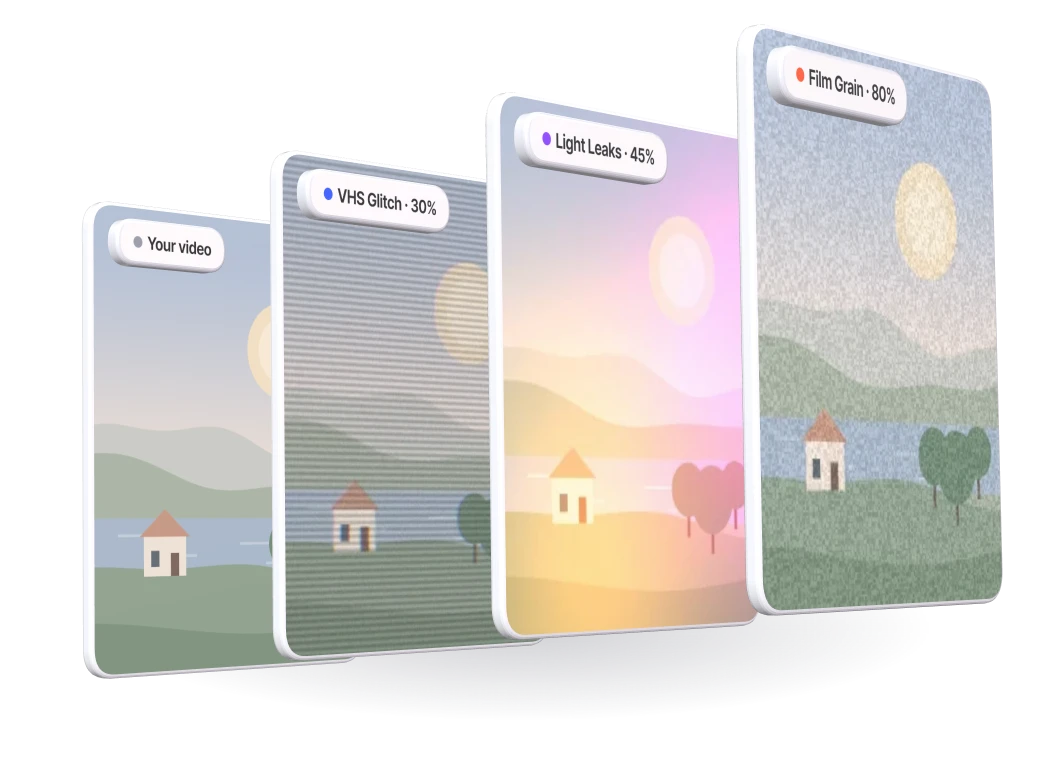

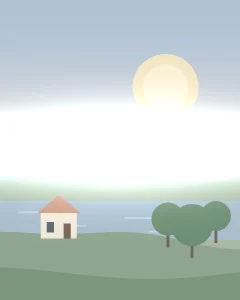
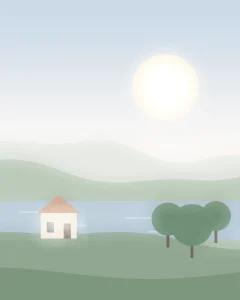
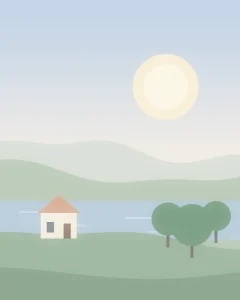
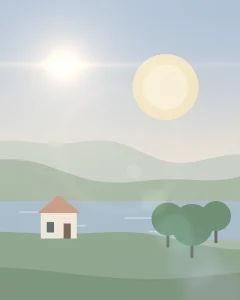
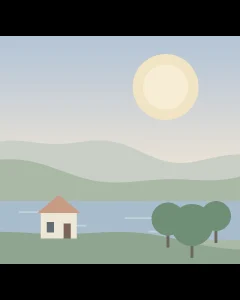
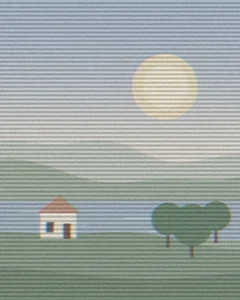
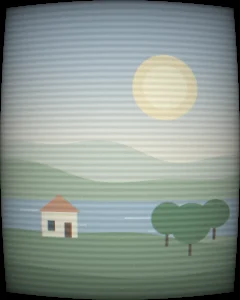
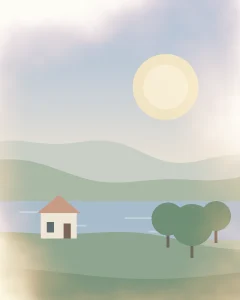
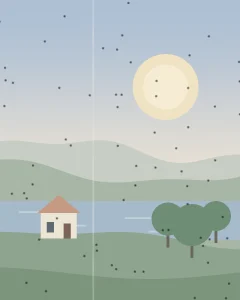
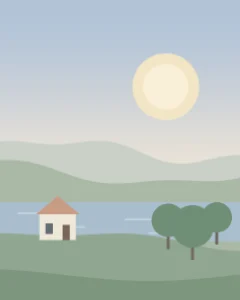
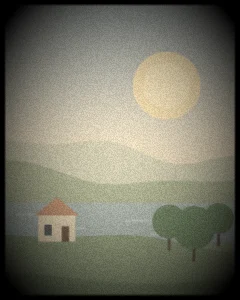
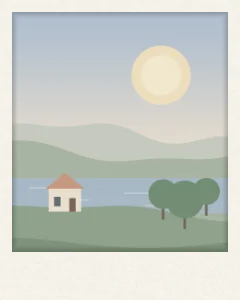

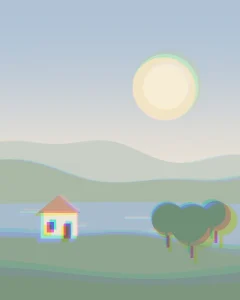
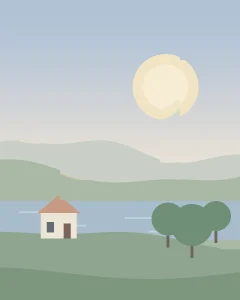
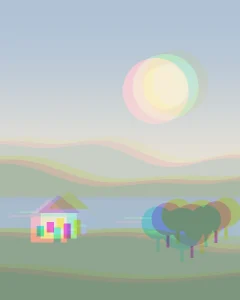

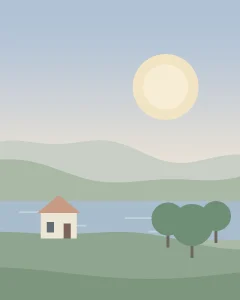
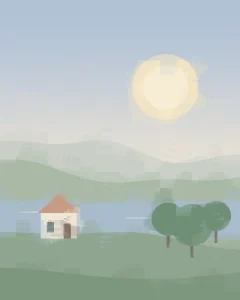
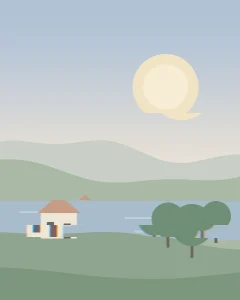
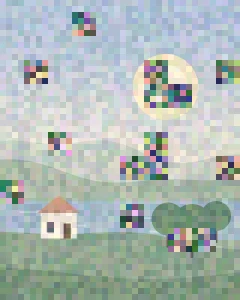
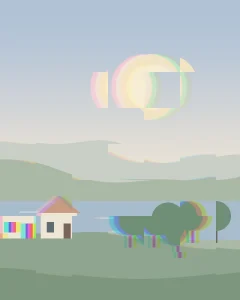





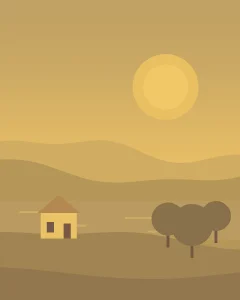
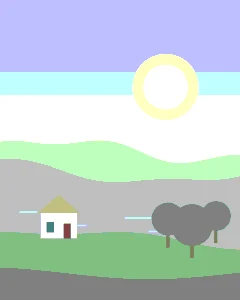
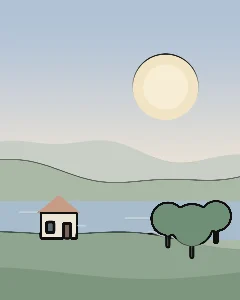
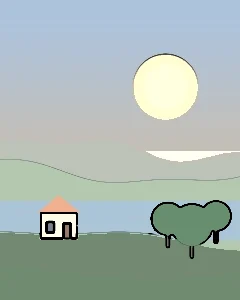
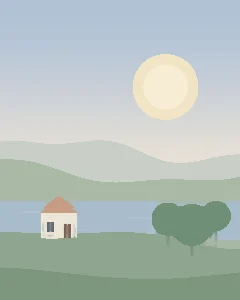
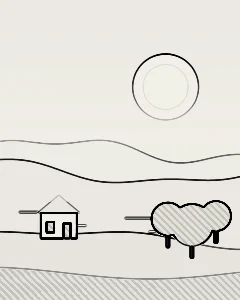
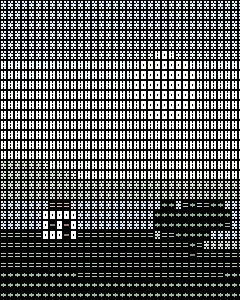
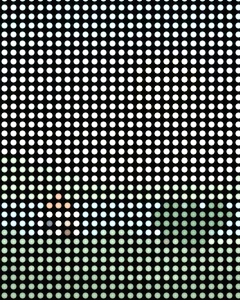




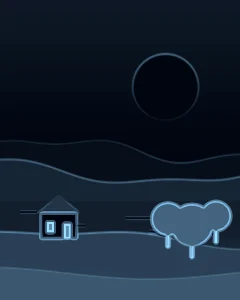
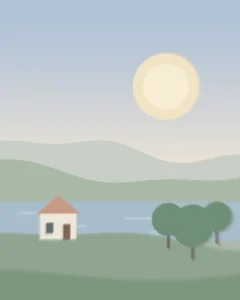

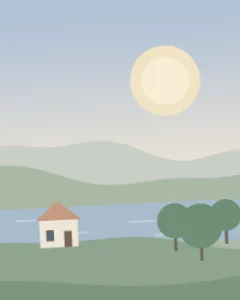
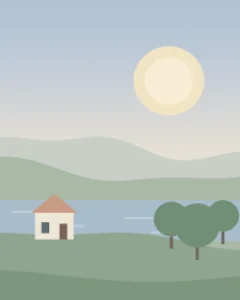
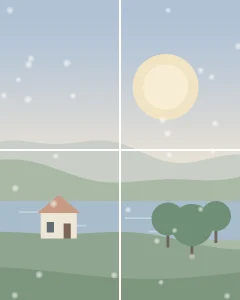

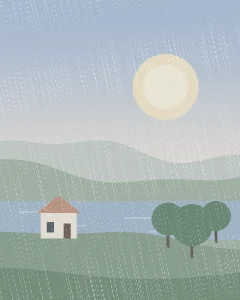
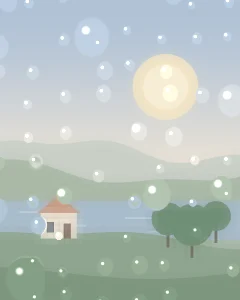


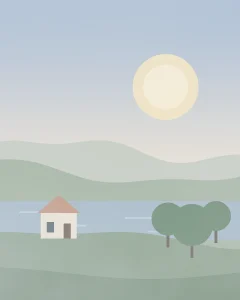
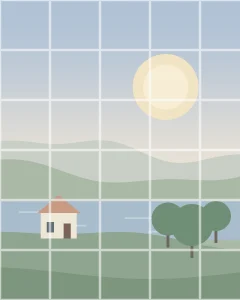
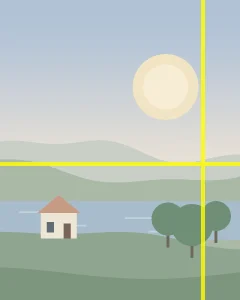


Stack effects in the order you want, for example film grain over a light leak over VHS.

Every effect has its own sliders and a strength from 0 to 100%, per layer.

Switch a layer off to compare, move it up or down, or take it out.

The preview and the export run on the same GPU engine, so what you see is what you get.
Add music, clean up a voice or change the whole tone with one tap. What you hear in the preview is exactly what you export.

Add a track and mix it with the original sound or replace it. Set each volume on its own.
Drag the curve, or start from 11 presets. Low cut and high cut included.
Reduce background noise and even out loudness, so speech stays clear.
Reverb with room size, echo with delay and repeats, and wider stereo.
Boost the low end, fade in and out, and set the volume up to 200% or mute it.

Changes play as you make them, through the same sound chain the export uses.
Make one combination, or generate up to 100 at once. Every variant has its own videos and settings, and you export the ones you tick.
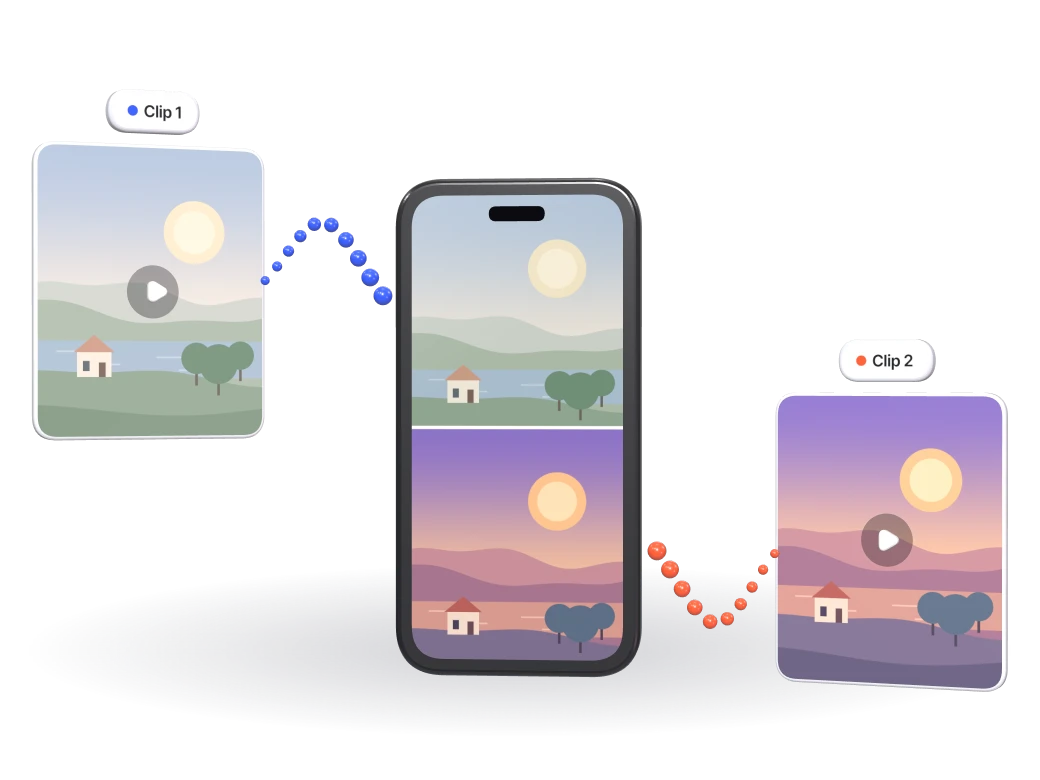

Top & bottom, Side by side, Picture in picture, Circle. Set the size and the position, and add a white outline.
Videos one after another, in the order you set.
9:16 · 4:5 · 1:1 · 16:9. Each clip fits the frame your way:
Blur fill · Crop to fill · Black bars
Color, effects and framing for each video, its own volume, or mute it.
One video in every variant, every pair, or the same intro and outro around every video.
Turn on the invisible fingerprint and every combination is a new upload for the platforms.
Your hooks, the main video and an ending become one video per hook — with on-screen text, captions and music — in every format the brand wants, named and saved in one folder.
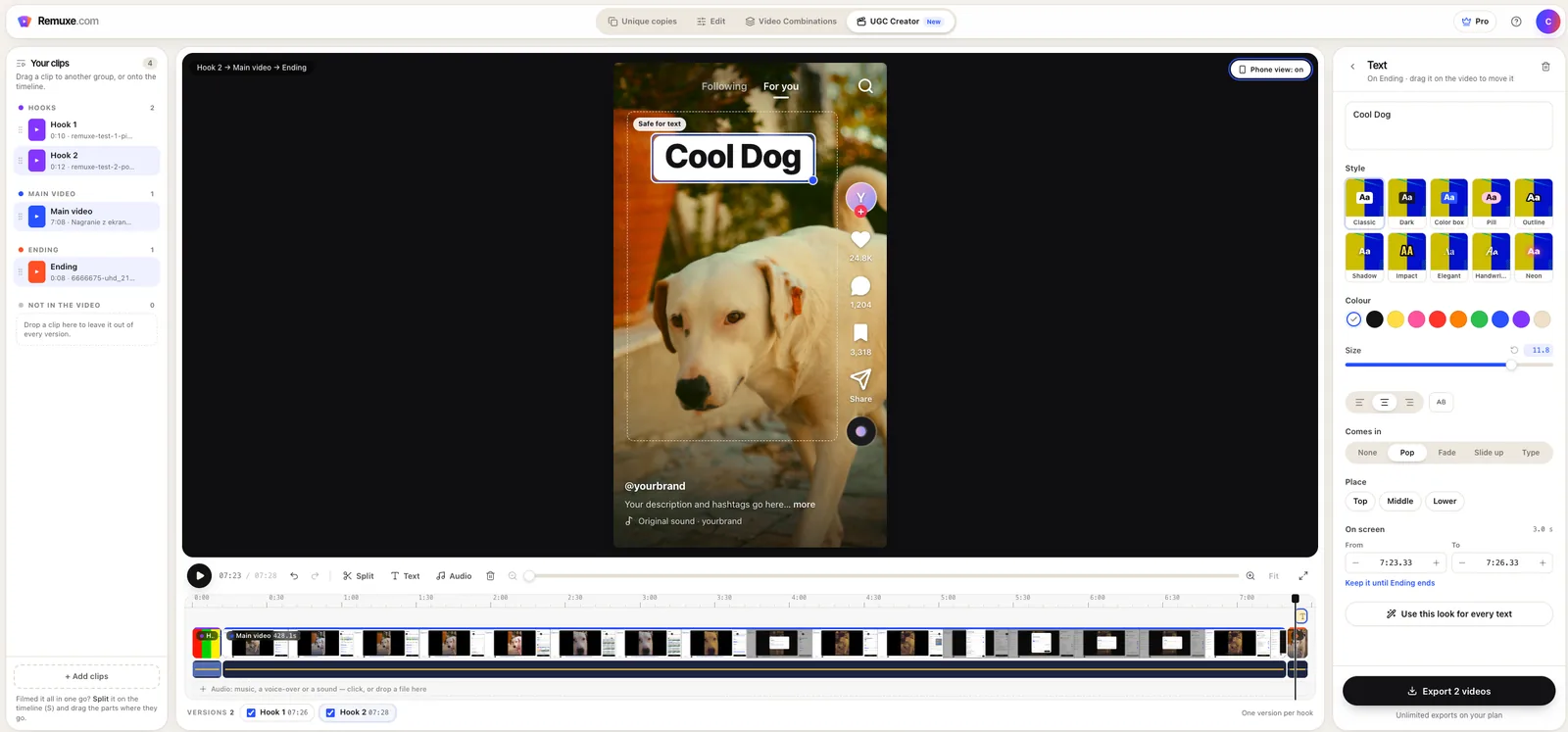
Drop your clips; the longest becomes the main video. Every hook (and every ending) makes its own version.
Each clip’s frames and sound: trim to the frame, split, move, cut the silence, set the volume.
Ten text styles that come in on cue, checked against TikTok’s and Reels’ buttons.
Word-by-word captions (Pro), the same volume in every clip and less echo and noise.
Sound layers on the timeline, with their own volume and fades.

9:16, 4:5, 1:1 and 16:9, clean copies too, with covers, raw clips and a list of the videos.
Rendering runs on your computer’s graphics card, inside the browser. Files go straight to your Downloads or to a folder you pick.

Videos are opened, processed and saved on your computer. Our servers only see your account, and the sound of a video only if you ask for auto captions.
Pick a folder once and every file lands there, or use Downloads.
Number the files the way you like:
01video · video01 · video1 · 1video


Uses your graphics card’s video encoder, with an automatic switch to the CPU when it isn’t available.
Every export is encoded from scratch: no C2PA, XMP or AIGC tags from the original.
No install. A Windows or macOS computer with Chrome, Edge, Brave or Opera.
Images for a TikTok slideshow or an Instagram carousel, edited like a video and saved one file per slide.
9:16, 4:5, 1:1 or each picture’s own. A picture fills the slide, or sits whole on a blurred copy of itself. Drag the slides into order.
Color and looks, framing, the 85 effects and text on the image — every image with its own edit, or one for all.
See each slide in a TikTok screen, with the carousel’s dots and the buttons your text has to clear.
The camera’s details, color profile and picture encoding of an iPhone, Galaxy, Pixel or Xiaomi. The time, exposure and place are new in every export.
IMG_4821.JPG, IMG_4822.JPG… as the phone names its photos, in a folder or one zip.
The invisible fingerprint and a phone look work on pictures as well. JPG or PNG.
Every feature on this page except auto captions is in the Free plan. Free has short waits between exports; Pro has none and adds auto captions. See pricing
Free to explore. Nothing to install — runs in Chrome or Edge on your computer.
Try it free